Log in with GDM
Logging in with a remote provider
Once the system is configured you can log into your system using your remote provider credentials and the device code flow. In this example, we are going to use Microsoft Entra ID as the remote provider but the process is equivalent for other providers.
See all the available providers: Install brokers
In the login screen (greeter), select not listed below the user name field.
Type your remote provider user name. The format is user@domain.name
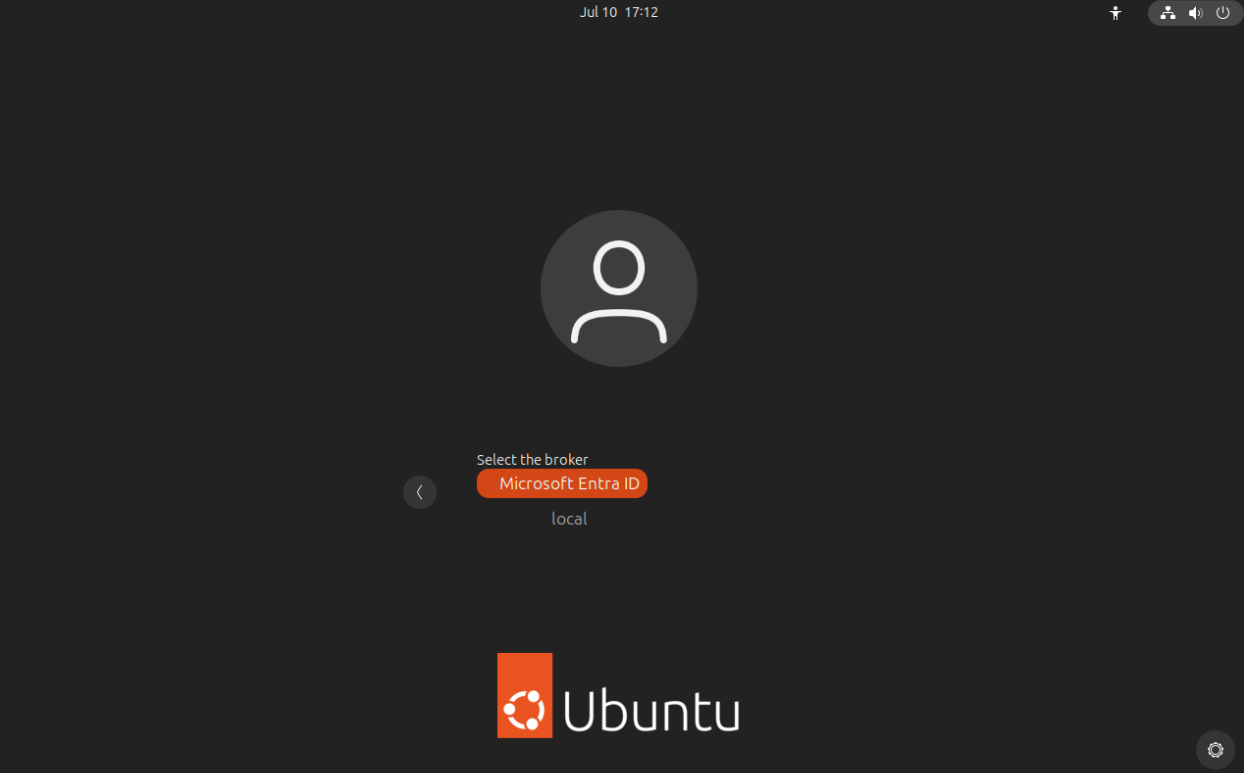
Select the broker Microsoft Entra ID
If MFA is enabled, a QR code and a login code are displayed.
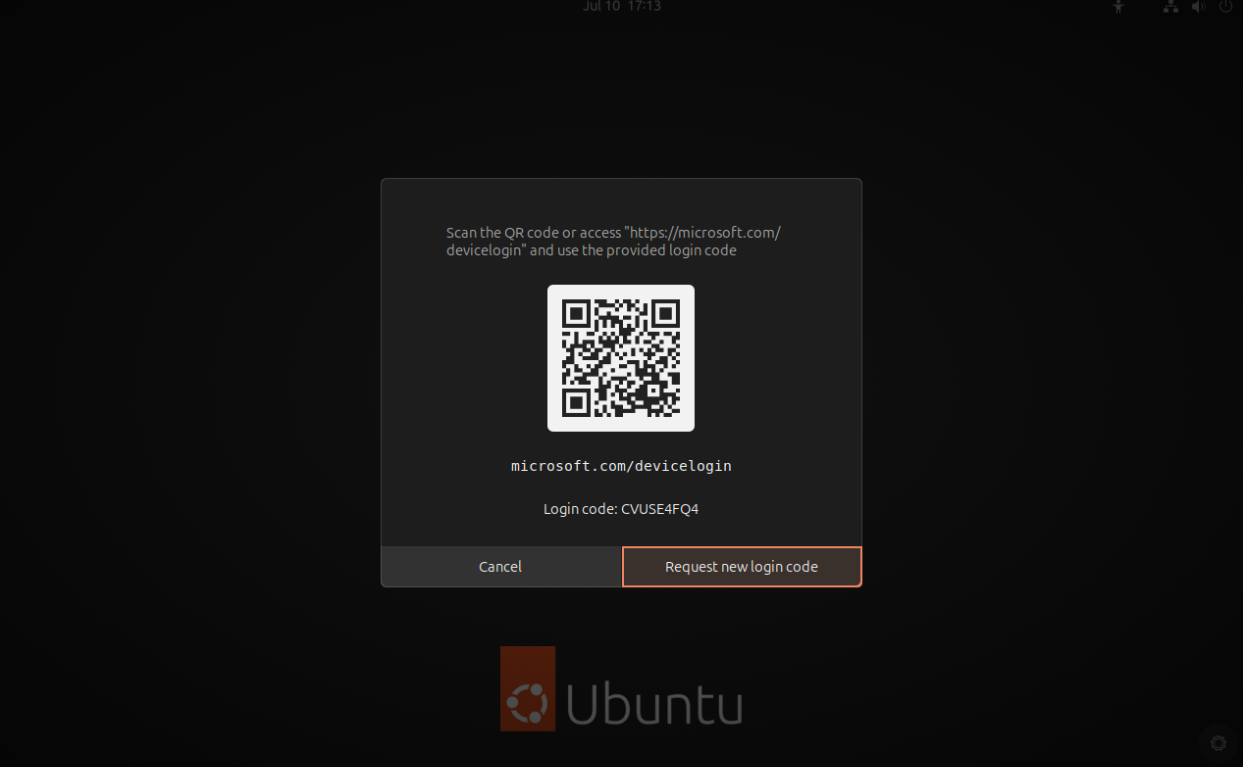
From a second device, flash the QR code or type the URL in a web browser, then follow your provider’s authentication process.
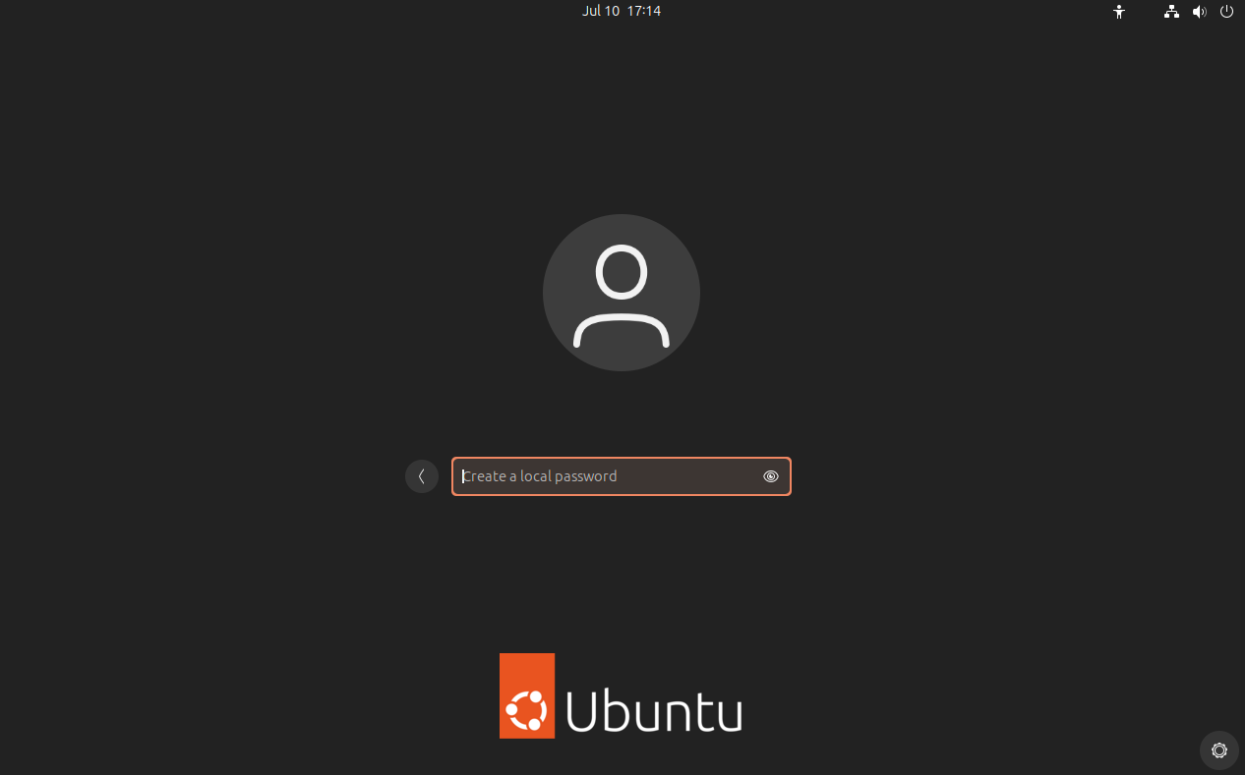
Upon successful authentication, the user is prompted to enter a local password. This password can be used for offline authentication.